Deckle

Turn, don't scroll

Deckle is an iPhone app that turns any article into pages. Paste a link, then read it the way you read a book.

Coming soon to the App Store, for iPhone.

Why pages

Set the way Deckle sets an article

You are reading this on a page. It has a top and a bottom, and it will hold still until you finish it. When you do, swipe, or tap its right side, and the next one is waiting.

Most reading on a phone does not work like this. An article is one long strip, and you feed it past the screen with your thumb. The text is always moving. Part of your attention goes to steering it, and to finding your line again after every flick.

Books settled this a long time ago. A page is a fixed amount of text. Your eye starts at the top and knows where it is going. You can tell at a glance how much is left, and when you put the book down you can find your place again.

Deckle gives articles from the web the same treatment. Copy a link, paste it into the app, and the words come back as pages, set in a serif made for long reading, with the page number at the foot.

That is the whole app. There is nothing to sign up for and nothing to organize. It holds one article and remembers where you stopped.

A link goes in, pages come out

Copy a link in Safari or anywhere else, open Deckle, and tap Paste. The article comes back as words and nothing else: no ads, no pop-ups, no sidebar.
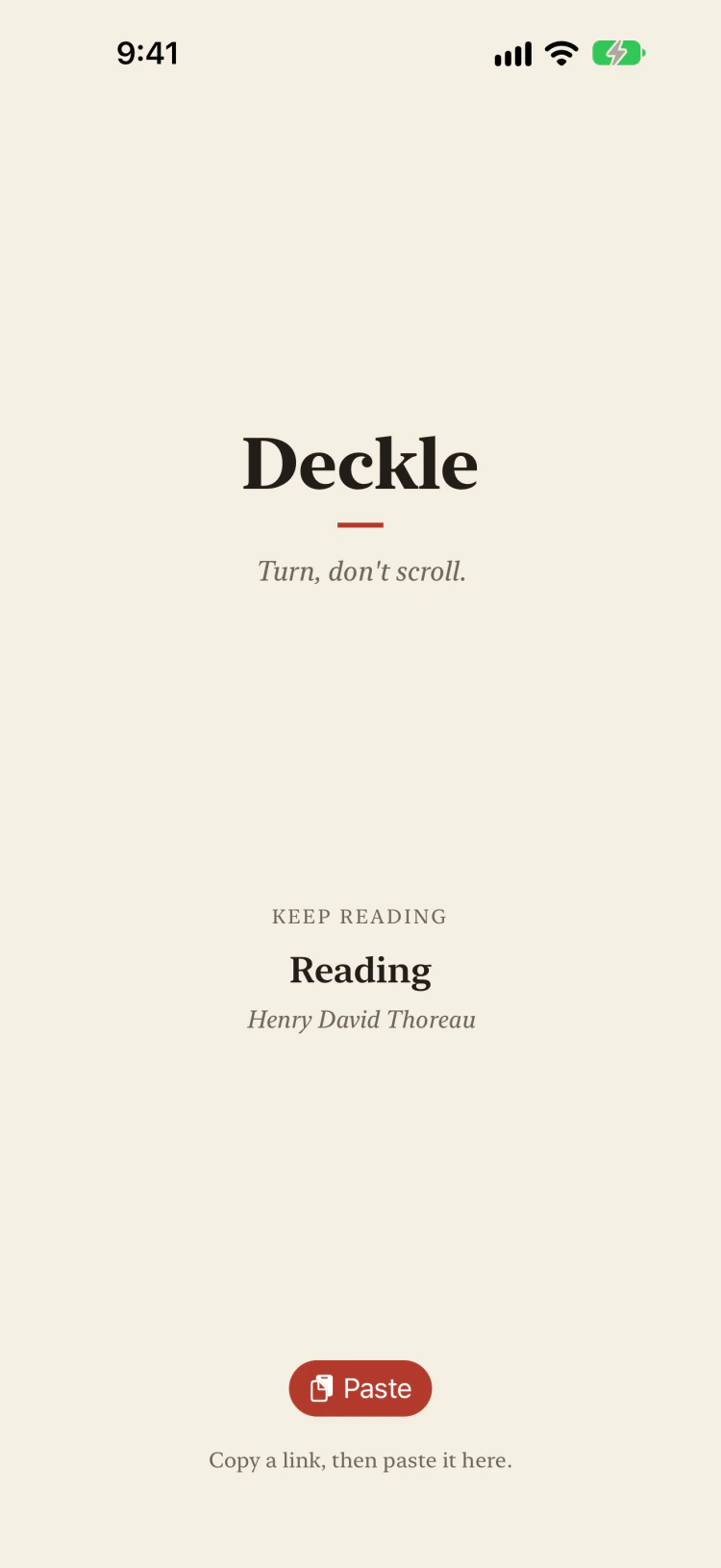
The Deckle home screen: the name, the article being read, and a Paste button.
Home is one button, plus the article you are in the middle of.
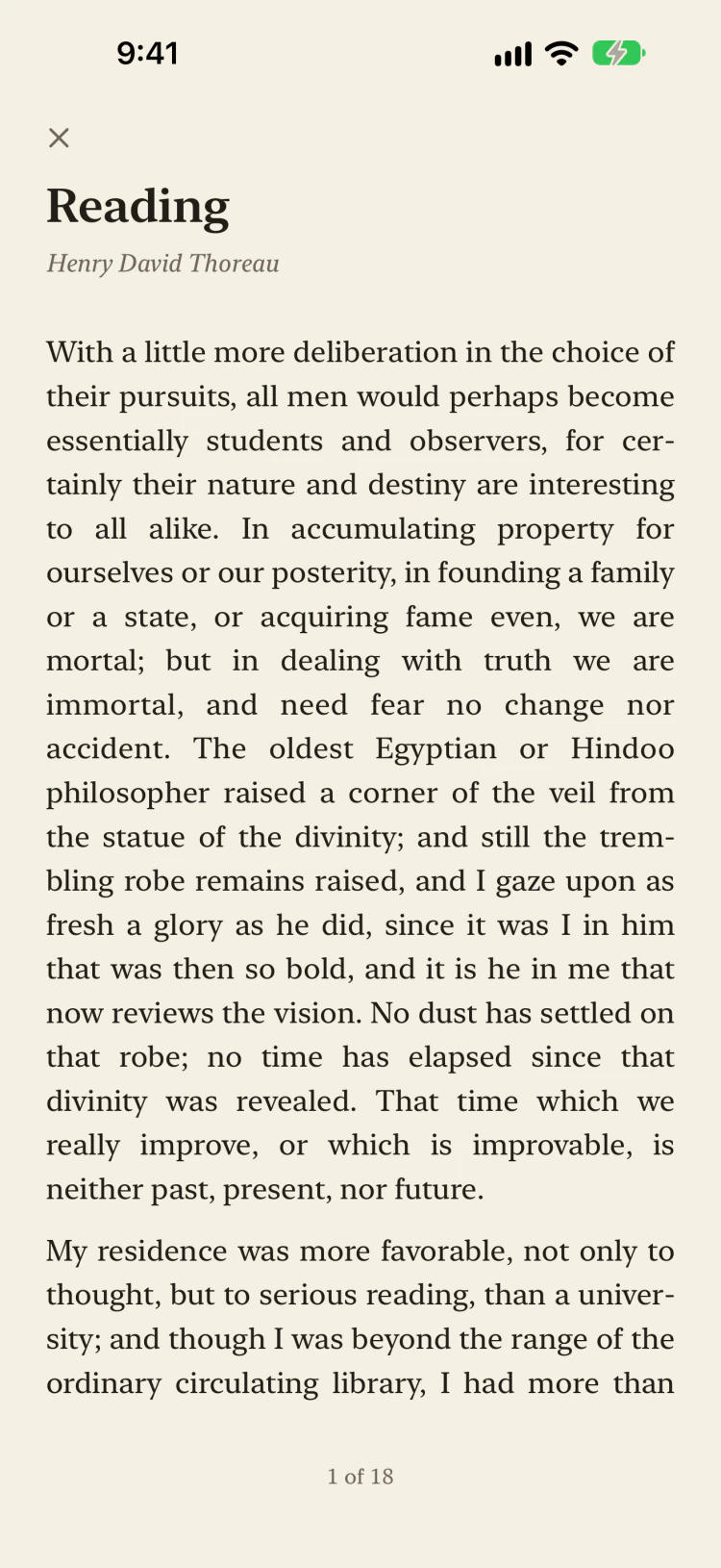
The first page of an article in Deckle: the title, the source, and a full screen of justified text, with 1 of 18 at the foot.
Each page is a full screen of text that holds still. Swipe, or tap the edge, to turn.
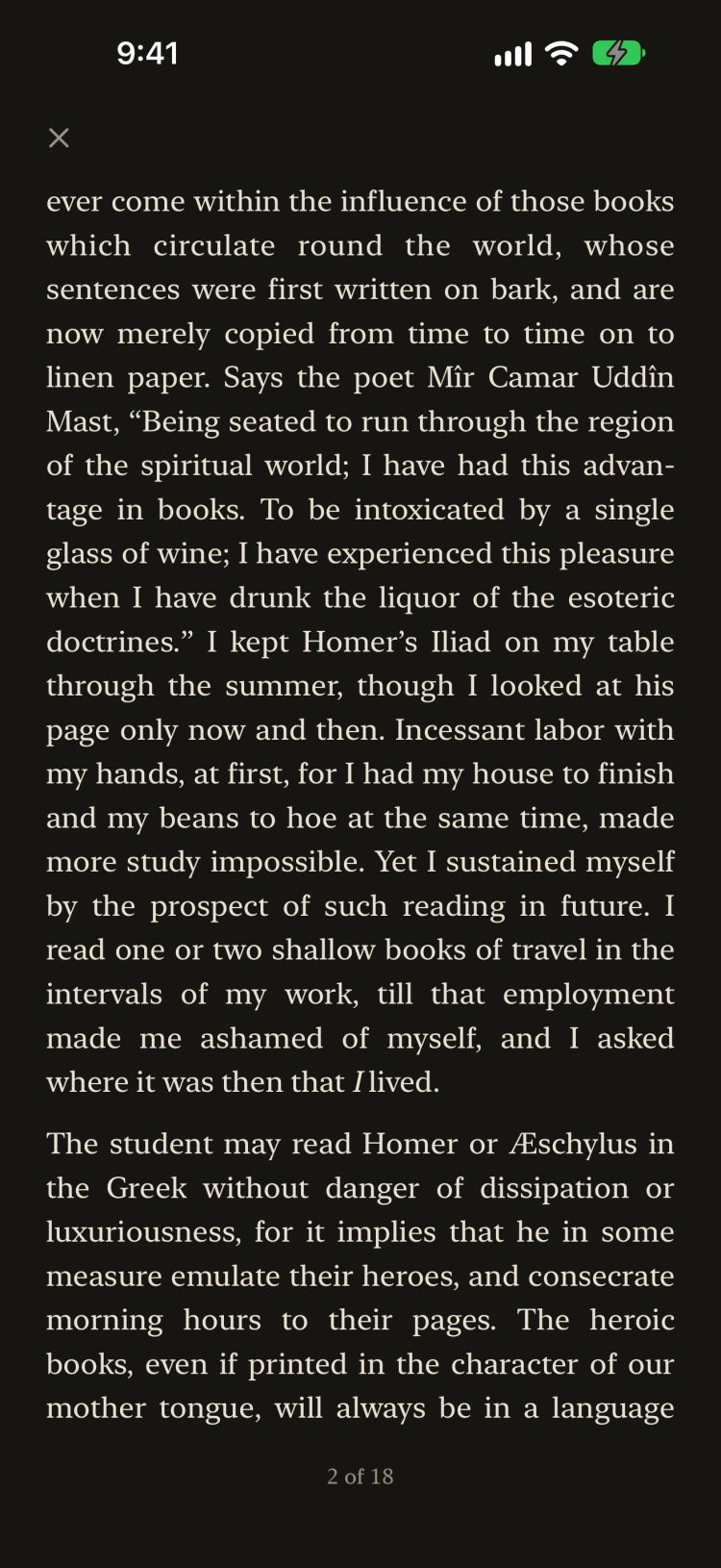
A page of the same article in dark mode, light text on a dark background.
Dark at night and larger type if you want it. Deckle follows your iPhone's settings.

What you get, and what you don't

Pages, not a strip
The article is laid out as full pages with a page count at the foot, so you always know how far in you are and how much is left.
Your place is kept
Close the app in the middle of an article and it opens on the same passage, even if you have changed the text size since.
One article at a time
There is no library to tidy and no list of things you meant to read. Paste a new link and it takes the place of the last one.
No ads, no account
Deckle has no server. Your phone fetches the page straight from its website, and what you read stays on your device.
Words only, for now
Pictures, tables, and links are left out. Pages behind a login or a paywall will not load.